Live comments, one click away
Bring YouTube comments on screen, switch speakers, and hide them without interrupting your show.
Live comments, beautiful overlays, and on-screen visuals — all in one thoughtfully crafted studio. Built to keep your focus where it belongs: on your audience.
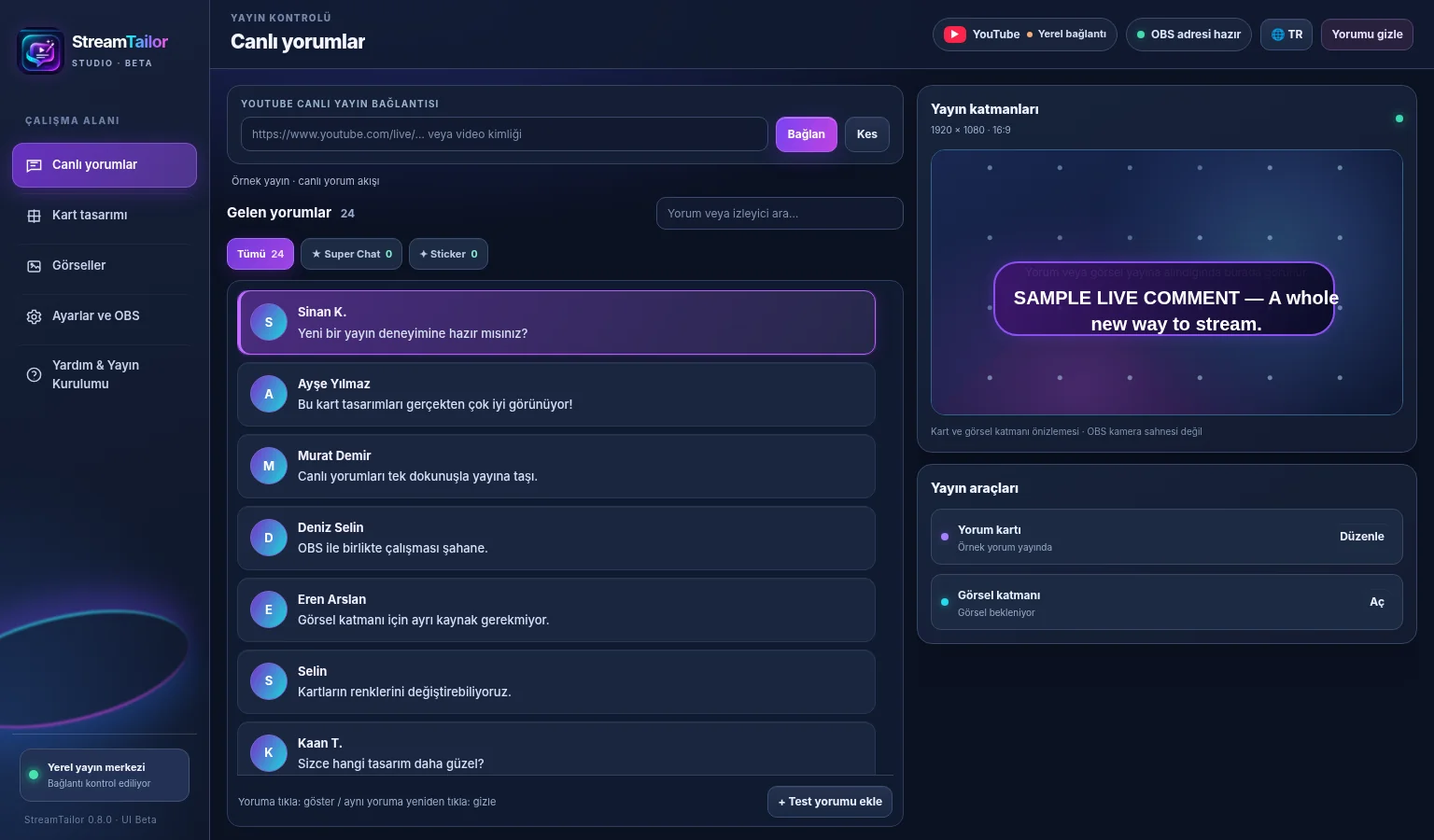
LESS CONTROL PANEL. MORE SHOW.
Skip the juggling act. One elegant workflow for the moments that make your live stream feel alive.
Bring YouTube comments on screen, switch speakers, and hide them without interrupting your show.
Tailor cards with custom colors, typography, layout and ready-made styles — all with live preview.
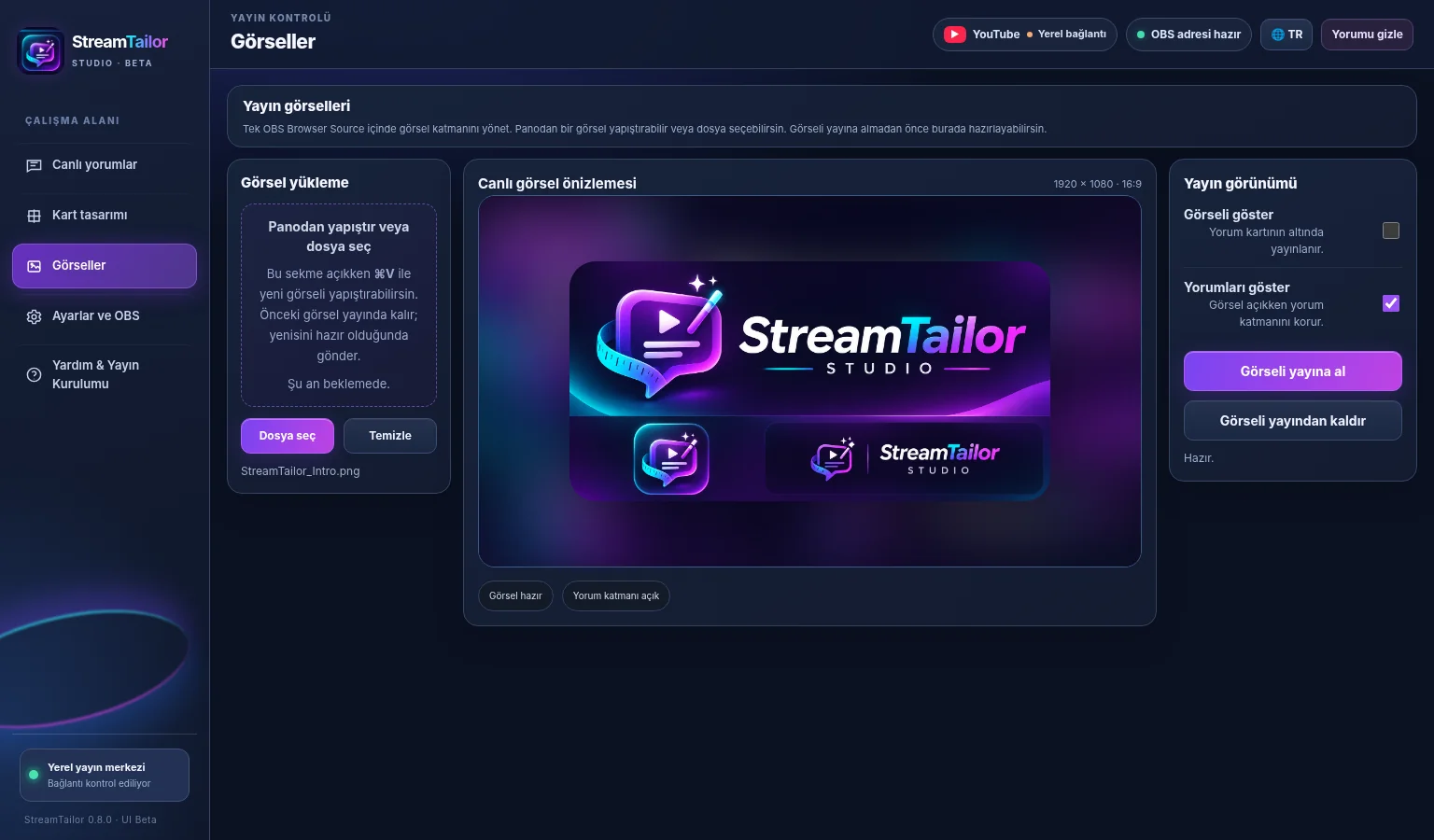
Prepare your next image while the current visual stays on air. Switch only when you're ready.
See incoming YouTube comments in one clear feed. Choose who gets the spotlight and bring their message straight to your OBS scene.
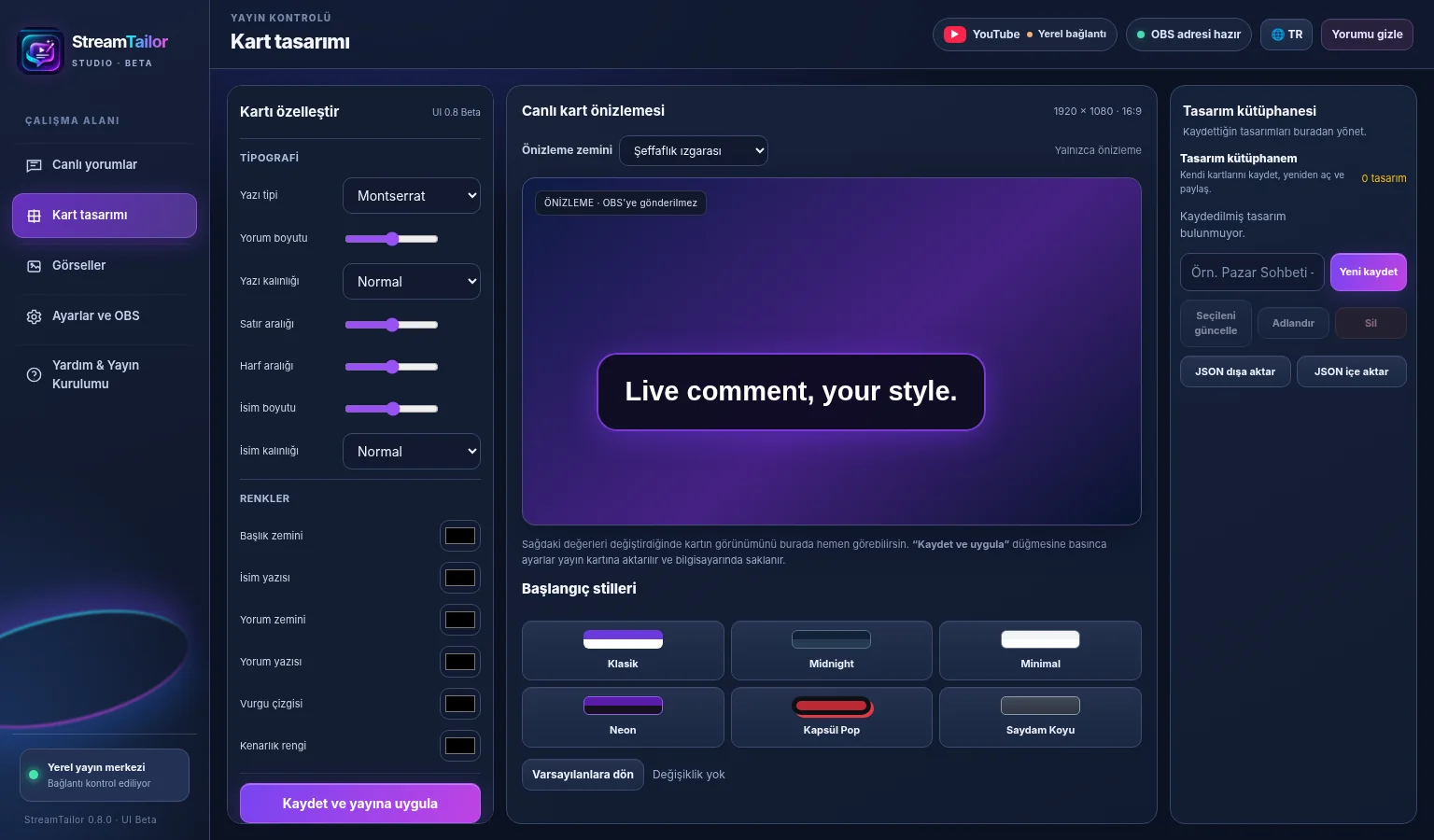
Whether your stream is clean and minimal or full of energy, make every card look like it belongs to your channel.
Keep your presentation moving. Prepare imagery inside StreamTailor, then switch it live at the moment you choose.
THREE SIMPLE STEPS
Made for creators who'd rather spend their time streaming than configuring an endless maze of tools.
Enter your YouTube Data API key and select the live broadcast you want to manage.
Paste StreamTailor's local overlay URL into OBS Studio or PRISM Live Studio at 1920 × 1080.
Choose your card style, display comments and manage visuals as your show unfolds.
A FIRST LOOK
Take a quick look at the StreamTailor concept film. It uses beta interface imagery and sample content; a full real-world walkthrough is on the way.
SIMPLE BY DESIGN
No complicated tiers in the plan. Just the tools you need to make your broadcast feel like yours.
A personal live production toolkit, designed for macOS creators. Purchasing will open after beta testing and release preparation.
TARGET LAUNCH PRICE
One-time purchase · No planned subscription
Preview the studio ↗Checkout isn't active yet. Final price, license terms, availability and payment provider will be confirmed at launch.
GOOD TO KNOW
The basics before we launch. Clear expectations make for better streams.
The first planned release is for macOS on Apple Silicon. StreamTailor displays overlays through a local Browser Source in OBS Studio and PRISM Live Studio. Windows support is not part of the initial release.
Yes. The current beta connects to YouTube live chat using a YouTube Data API key. The setup guide walks you through the process.
No. The current app uses a single local Browser Source for both comments and visual overlays. It runs on your computer and does not require public hosting for the overlay.
Yes. Customize typography, colors, card shape and different ready-made layout styles. Your preview updates as you adjust the design.
Special support is included in the current beta and is undergoing live-stream testing. Super Stickers are represented with a static supporter card rather than their original animation.
Our target is $39 as a one-time purchase, with a planned two-device license and free 1.x updates. These are proposed launch terms, not an active offer. A Gumroad checkout will be linked here when the product is ready.